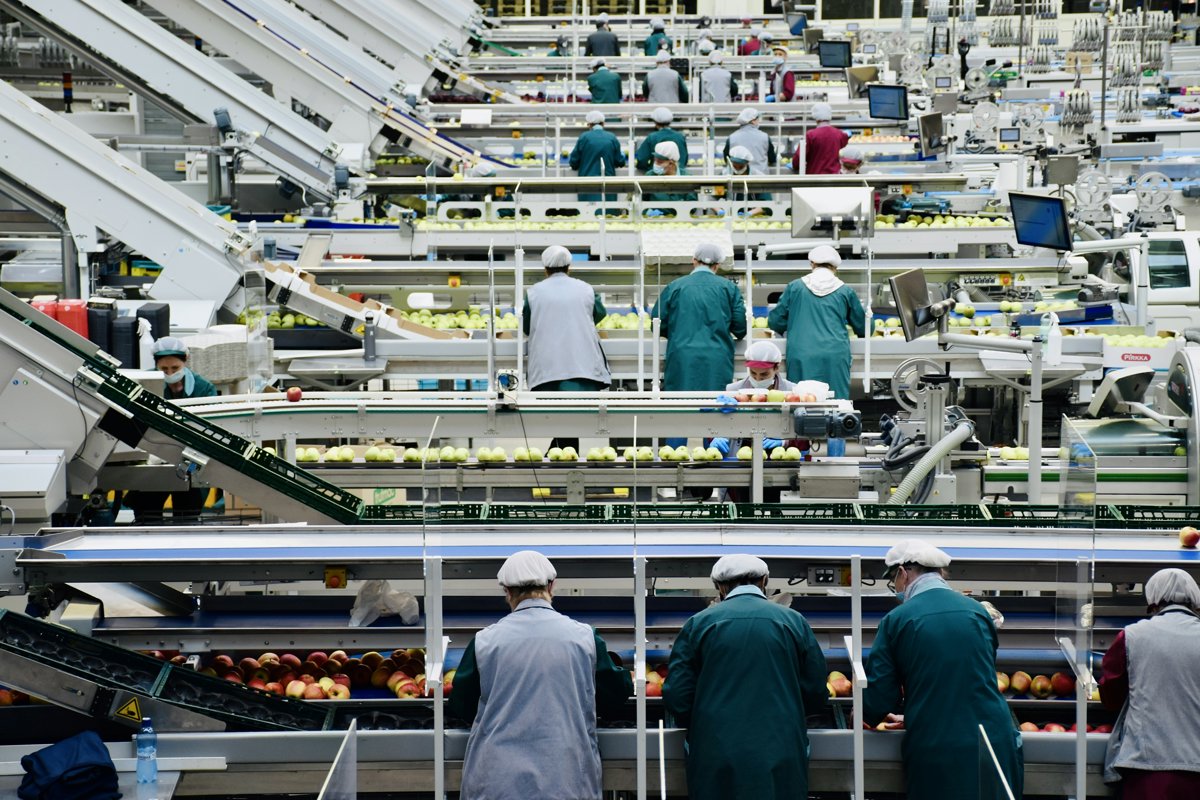
Short answer: ERP plans and accounts for production, while production tracking software (MES) records what actually happens on the shop floor as it happens; neither replaces the other, but in a small manufacturer the problem decides the order: if stock, recipes and costs are unreliable, start with ERP; if "which job is where, and why is it late" has no answer, start with a light production tracking layer
"Should we buy production tracking software or an ERP?" usually comes from a complaint: shipments are late but nobody knows which machine a job is waiting at, or month-end costs arrive but nobody knows how many parts were scrapped. The two classes of software answer different halves of those complaints. This article explains the difference through an international standard, shows what data the two systems exchange and proposes a decision framework for the order. We covered the production modules of an ERP in ERP for manufacturers: BOM, work orders and inventory costing.
Where the difference starts: the ISA-95 levels
The boundary between business systems and machine systems in a factory is defined by the ISA-95 standard (IEC 62264) described by ISA: the layers that connect enterprise planning systems to manufacturing control systems and the interface between them. According to SAP, in this model ERP sits at level 4 (business planning and logistics), MES at level 3 (manufacturing operations management), and machine and process control systems at levels 2 to 0.
In everyday terms: ERP answers "what will be produced, how much, by when, with which material" and records the job in money. MES answers "what stage is this job at right now, who did it, how many parts came out, how many minutes did it stop". Siemens explains that much of ERP functionality is triggered by financial transactions such as sales orders, supplier invoices or payroll, while MES functions are triggered by production orders and manufacturing processes. The time horizon differs too: ERP works across hours to years, MES across seconds to shifts.
| Criterion | ERP | Production tracking / MES |
|---|---|---|
| ISA-95 level | 4: business planning and logistics | 3: manufacturing operations management |
| Core question | What, how much and when will we produce? | What is happening now, what happened? |
| Trigger | Order, invoice, purchase | Production order, start and finish at a station |
| Time scale | Hours to years | Seconds to shifts |
| Main records | Stock, recipes, costs, accounts, accounting | Actual quantity, time, downtime, scrap, inspection result |
| Who uses it | Planning, purchasing, accounting, management | Operator, foreman, shift supervisor |
What data do the two systems give each other?
When they work together, data flows both ways. According to Explitia's ISA-95 explanation, the ERP can send the MES the production order number, the product and product version, the planned quantity, the due date, the required materials and the planned production process. The MES moves the order through its operations; it records completed quantity, working time, downtime, material consumption, inspection results and the people involved, and sends them back to the ERP. The ERP uses this to close the order and calculate its cost.
The value of the difference is context. A "972" on a machine counter says nothing alone; it becomes useful when you know which production order, product, operation and time period it belongs to.
The boundary is not always clean
In a real plant the boundary is not as sharp as in the model. The same source notes that an advanced ERP may include scheduling functions and an MES may grow to cover maintenance or quality control. For example, according to Seal SAP sells S/4HANA as ERP and Digital Manufacturing as a cloud-based manufacturing execution system, as separate products. The vendor may be the same; the level the products work at is still separate.
So look not at the vendor's product name but at which decision the system makes: "Who decides which job goes to which machine?" "Who records scrap, and when?" "Is stock deducted when the order closes or when the operation finishes?"
Which first? A decision framework
The framework below is our own assessment and varies by industry and the shape of the work.
Start with ERP (or the ERP's production module) if:
- Your stock count and system stock never match.
- Product recipes live in people's heads or scattered files, and nobody knows the true cost of a product.
- Sales, purchasing and the warehouse work in separate Excel files.
- Production orders are given on paper or verbally and are never collected anywhere.
In this case a camera, counter or touch screen on the shop floor solves little: even if data is collected neatly, there is no orderly stock, recipe and order backbone for it to sit on. We walked through the first 90 days of leaving Excel in Excel to ERP migration: a 90-day plan.
Start with a production tracking layer if:
- Your ERP or routine is settled, but the real shop-floor status is entered from paper at the end of the day or the next day, so it arrives as yesterday's news.
- The reason for a delay (machine breakdown, waiting for material, missing operator) is not recorded and the same problem repeats.
- You cannot answer a customer who asks "what stage is my order at now".
- Scrap and downtime reasons are still discussed by guesswork.
If you need both, our recommendation is this order: settle the master data (product, recipe, work order number) in the ERP, then add a simple recording layer that works with the same work order number. If the tracking system creates its own product codes independent of the ERP, matching the two systems later becomes costly.
Integration and data ownership
There are three common ways to connect the two systems. According to Eyelit's MES-ERP integration explanation they are integration through a service bus (middleware), a direct API connection between the two systems, and database-level integration. At SME scale a direct API is often the simplest; each route differs in maintenance cost and in what happens when something fails, so ask about it when you get quotes.
The most overlooked point in integration is data ownership. Connect981's ISA-95 article advises architects to document explicitly which system owns the master data, and notes that blurred responsibilities increase reconciliation work and audit risk. If the same product card is maintained by hand in two places, the copies drift apart quickly. Our recommendation: product, recipe and work order are born in the ERP; actual quantity, time and downtime are born in the tracking layer; each piece of data flows in one direction.
Eight questions before you start
As our own recommendation, write down the answers to these before you go to a vendor or a software team:
- Who records which information today, when and where?
- Which late or missing information hurts most?
- Does a work order number exist today, is it unique, is it the same at every station?
- Where are recipes and operation sequences today, and are they current?
- Who will record scrap and downtime, and in how many seconds?
- Will data entry come from the operator, a barcode or the machine? (Automatic machine data is not required at the start; you can begin with barcodes and touch screens and add it later.)
- Which system owns product and recipe master data?
- How will recording continue when production stops or the internet drops?
If the answers do not fit on one page, clarify the process first and choose software afterwards. You can pin down who does analysis, configuration, training and data migration with the RACI table in ERP consultant or software company: roles and RACI.
Frequently asked questions
Does an MES replace an ERP?
No. In the ISA-95 model ERP is level 4 and MES is level 3; they answer different questions and exchange data. In SAP's words, the ERP supplies the data on which products to make, and the MES combines that with shop-floor information to manage how to make them.
Is Excel enough for production tracking in a small workshop?
With a few work orders and one shift it usually is. Trouble starts when several people write into the same file, when you need historical analysis (how long did we stop and why), and when records are copied to the ERP by hand. If you are approaching that threshold, consider a light recording application.
Is automatic data collection from machines a must?
No. At first, an operator starting and finishing jobs by touch screen or barcode and choosing downtime and scrap reasons gives most businesses enough data. Automatic collection is added later if operator entry makes the records unreliable. This is our practical advice; it depends on the machine's digital output and your needs.
Does it make sense to have production tracking software custom-built?
It can, if your process is very distinctive and ready-made products do not match your steps. Such an application needs to talk to your ERP through the work order number, and data ownership should be written down from the start. We covered the ready-made versus custom question in our decision matrix article.
If you would like to assess together where your production process loses data, see our automation software or custom software development service, or get in touch.
Sources: ISA-95 Standard: Enterprise-Control System Integration (ISA), What is a manufacturing execution system (MES)? (SAP), Manufacturing execution systems (MES) and enterprise resource planning (ERP) systems: How they relate (Siemens Opcenter), ISA-95 Explained: MES, ERP and Manufacturing Data (Explitia), Understanding the MES-ERP Boundary Through ISA-95 Integration Standards (Connect981, 22 January 2026), Integrating MES With ERP: What Are the Options? (Eyelit), MES vs ERP vs SCADA in pharma: differences and integration (Seal)
Cover photo: Unsplash